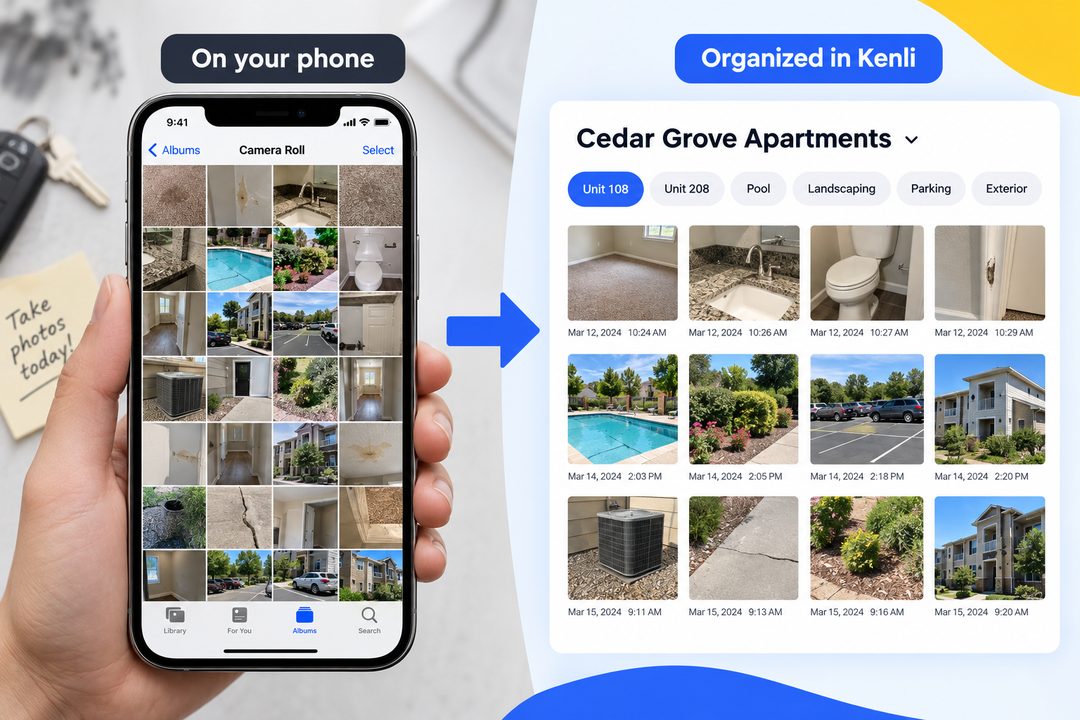
Kenli is now available on iOS, Android, desktop, and the web.
Record wherever the work happens
During a site visit, start Kenli on your phone and keep moving through the property, without worrying about losing a detail.
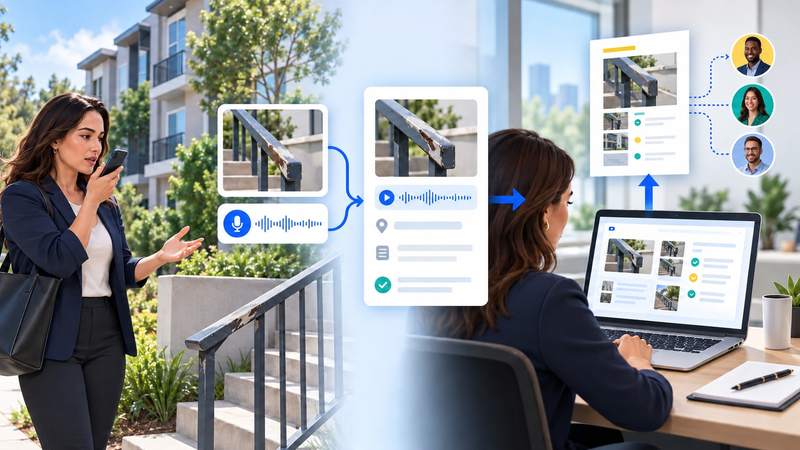
- Record while you walk the property.
- Take a photo whenever you see something the team needs to remember.
- Keep the conversation going with your team while Kenli records.
Turn the recording into work you can use
When the recording is ready, Kenli turns the conversation into something you can review and work with.
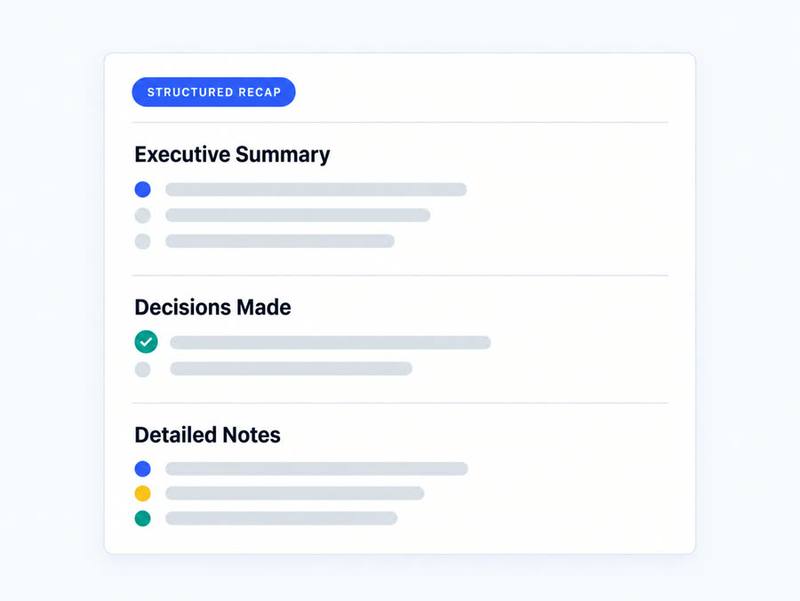
Structured recap
See what was discussed, what was decided, and who owns the follow-up.
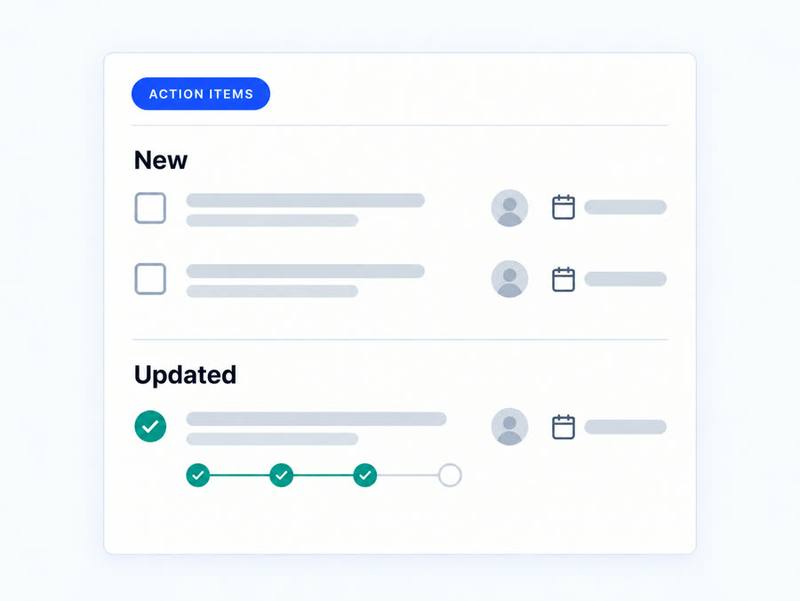
Action items
Kenli creates new follow-ups and adds progress to work already in motion.
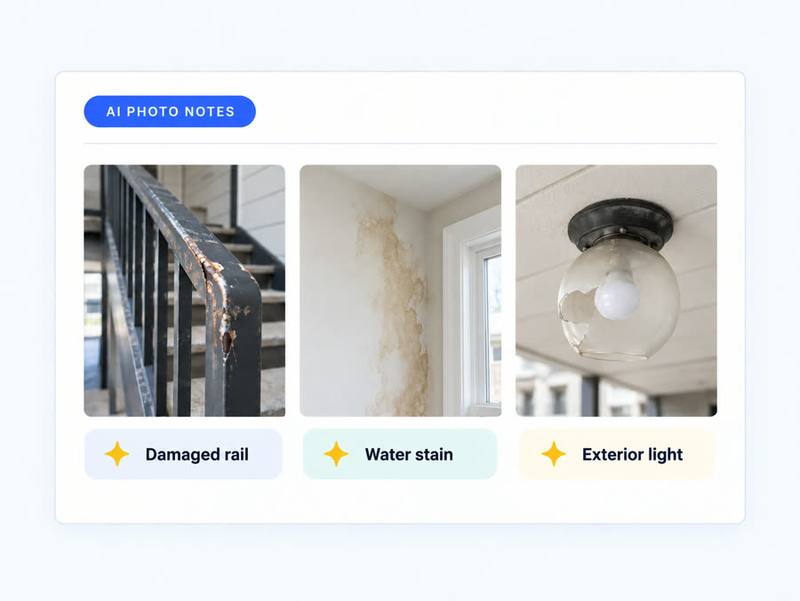
AI photo notes
Each photo comes back with a draft note based on what was being discussed.
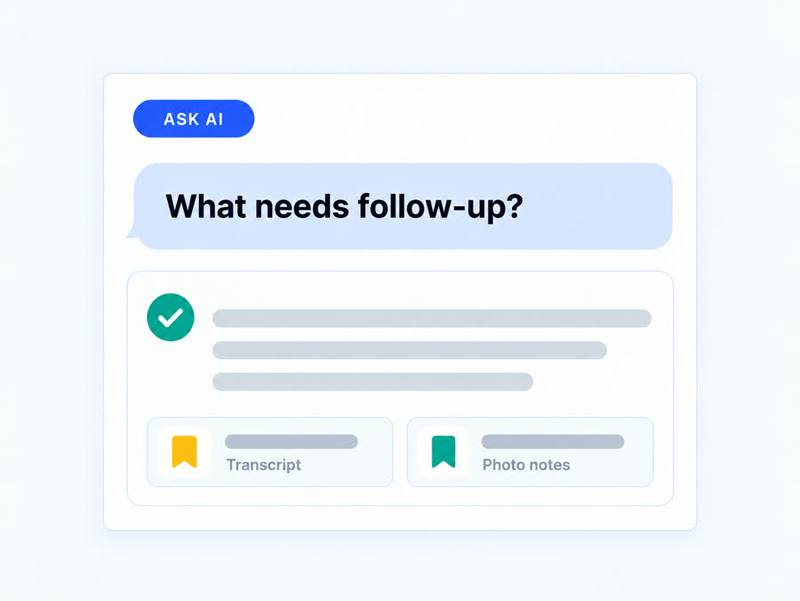
Ask AI
Ask a question about the visit and get an answer grounded in the recording.
Review and share from your computer
Open the recording at app.kenli.ai. Make any final edits, choose what belongs in the report, and send the team a clean PDF.

- Choose the report and sections to include.
- Export or share a clean PDF with the team.
Record in English or Spanish
Speak naturally in the language your team uses. Kenli keeps the transcript in the language spoken and prepares the recap in English.
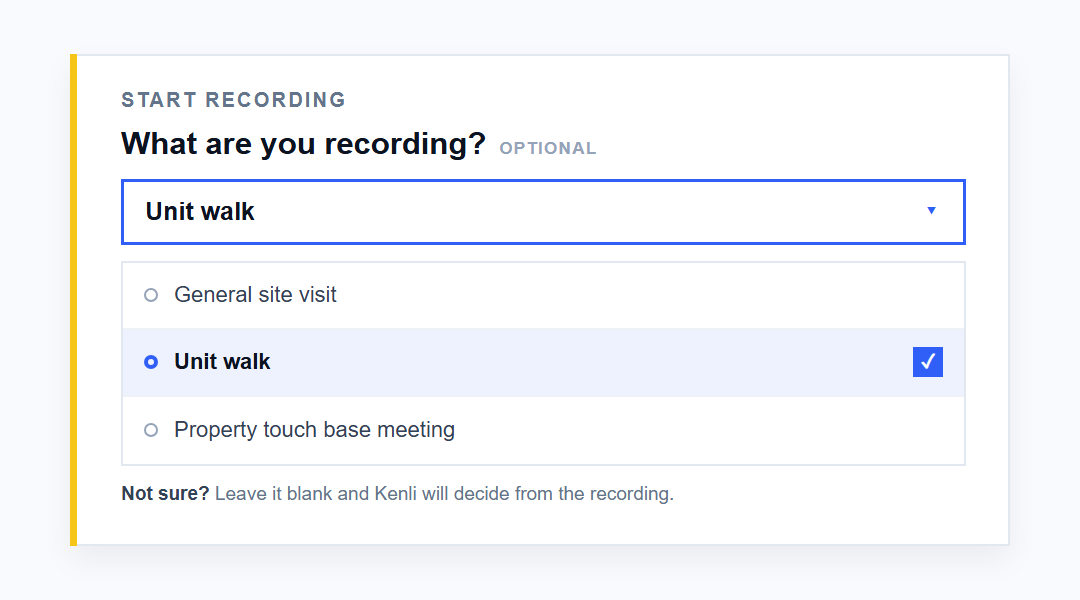
- Let Kenli name the recording: leave the title blank and Kenli will add a short, useful title after processing.
- Find a specific moment: search the transcript for a person, unit, or issue and jump to the relevant part of the conversation.
- Organize photos after the visit: on the web, select one or more photos to retag, download, or remove.